Paper in.
Calendar out.

Snap a photo of any paper calendar — school schedule, fridge magnet, wall planner. Fridge2Cal reads the events, lets you fix anything, then drops them straight into your iOS Calendar. No typing.
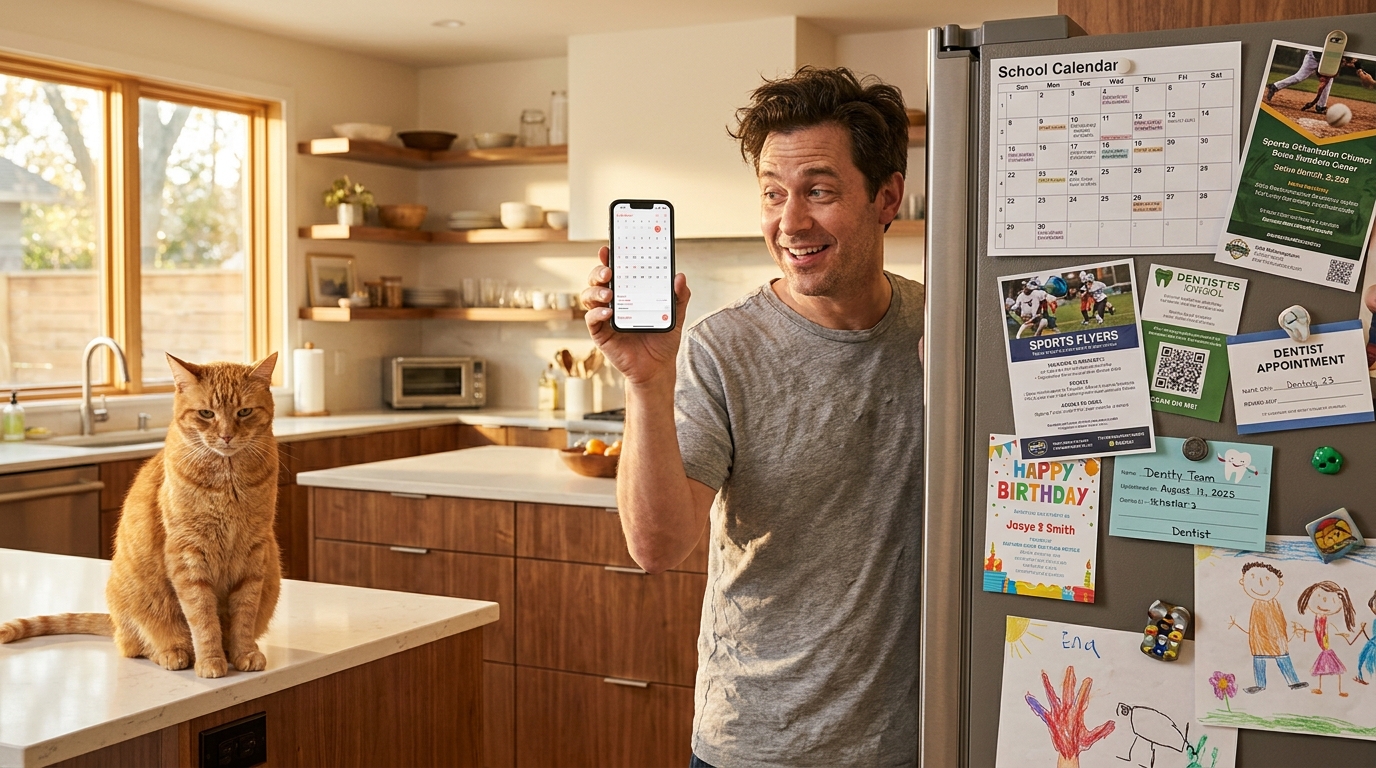
Parent snapping a photo of a fridge covered in paper schedules, with an unimpressed cat watching

From fridge to phone in three steps

1

Snap

Photograph any month grid — handwriting, print, or anything in between.

2

Review

Every event becomes an editable draft. Fix titles, times, and locations before anything touches your calendar.

3

Sync

One tap pushes the approved events into your iOS Calendar. Made a mistake? Undo pulls them right back out.

Built for the people drowning in paper

  • Parents juggling school, sports, and music schedules

  • Students copying syllabus dates and exam weeks

  • Shift workers translating printed rosters

  • Anyone with a wall planner, fridge magnet calendar, or bullet journal page

Duplicate-aware

Never sync the same dentist appointment twice.

Fridge2Cal scans your existing calendar before writing anything new and flags possible duplicates.